Key features of the new Theme Customization
This section highlights essential statistics.
♾️
Themes
4
New Features
0
Cats harmed creating this
Explore Our Amazing Features
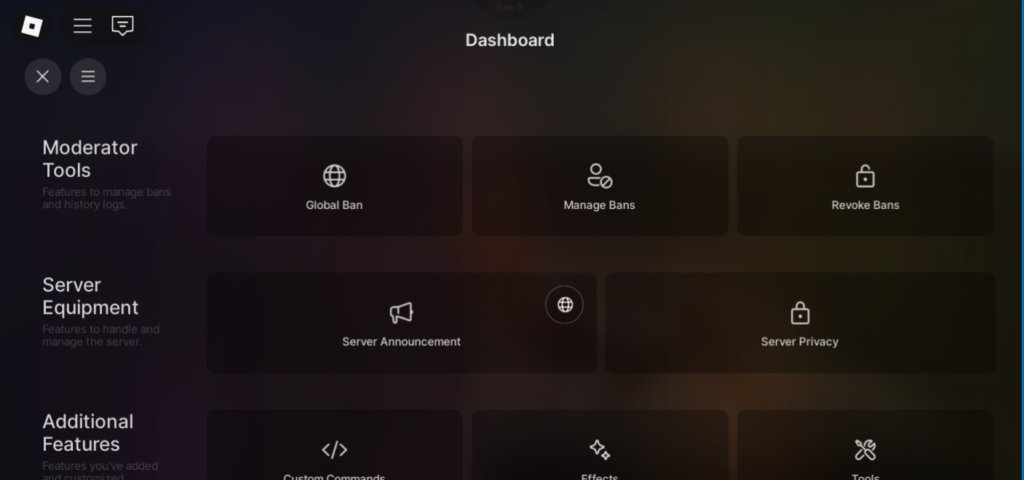
Make a custom theme
Making a custom theme is now easier than ever
Share your theme
You can share and publish your themes
Get themes
You can get themes made by other people
Showcase:
Current themes:
Share your theme:


Documentation:
In this paragraph we will focus on 2 main things:
How to add my own custom theme?
- Locate themes section
This can be located in StarterGui -> exe -> frame -> credits_frame -> scroll -> ThemeCustomization -> ScrollingFrame -> Themes
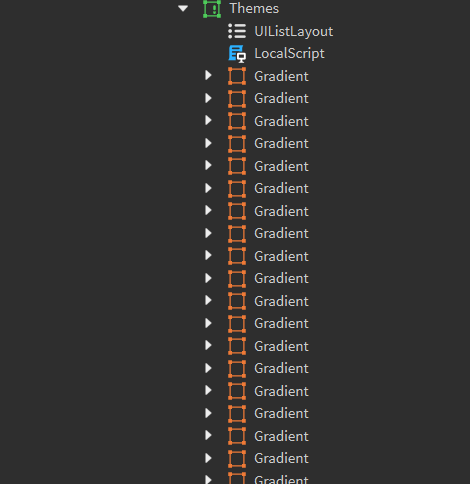
2. Duplicate the gradient
Select any Gradient frame and press ctrl + c on your keyboard
3. Change the UiGradient
Select the UiGradient it can be found in the Gradient Frame
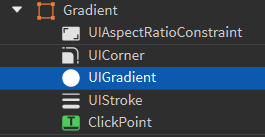
Now open it in properties
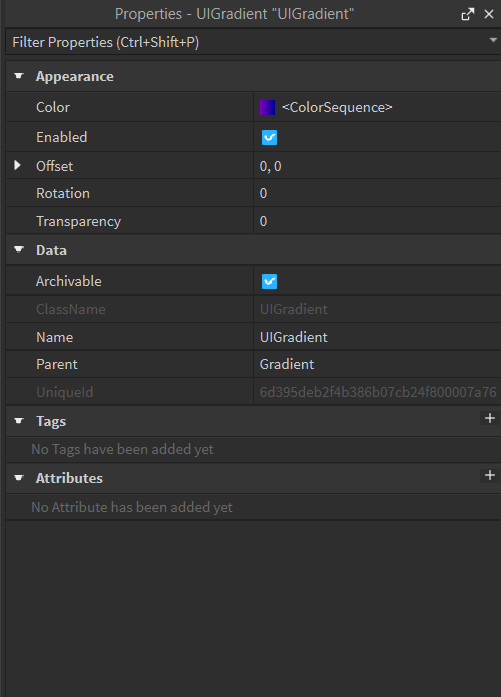
Now you can change the color and customize it how you like
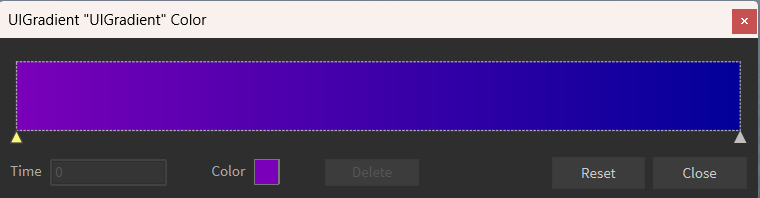

WARNING: Do not change any names or else everything breaks!
After that the script should automaticly add the theme!
I dont like where the colors go
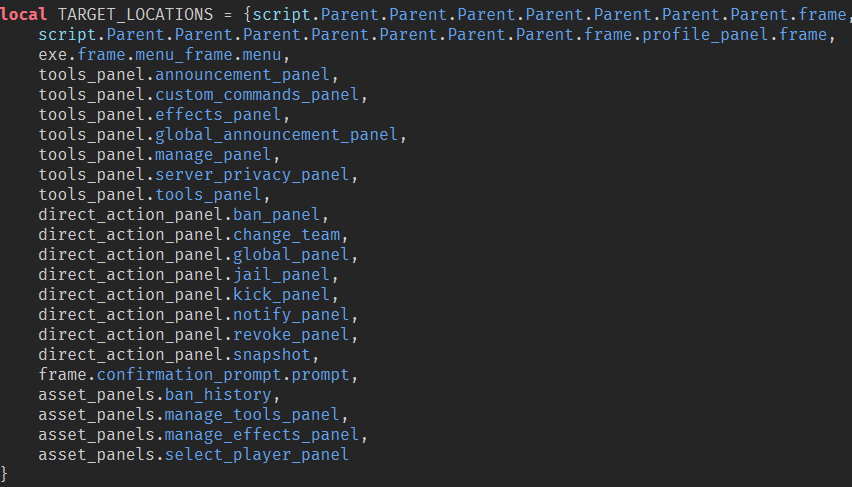
You can easily customize this by going to the LocalScript in Themes and customizing where the gradients go